Coding for Kids: A Parent’s Guide to Raising Future Creators

How to support your 6 to 14-year-old’s coding journey from absolute beginner to digital creator.
Whether your child is obsessively building castles in Minecraft, exploring community games on Roblox, or watching digital creators on YouTube, it’s completely natural to look at their screens and wonder: Is all this screen time good for them?
But your child isn't just killing time - they are displaying a deep, natural curiosity for digital worlds.
Right now, they are consumers. But with just a little bit of the right encouragement, that exact same gaming passion can be flipped on its head. By learning to code, kids can become the creators.
From video game players to future problem solvers: When a child learns to code, they aren't just learning how to type commands into a computer. They are learning how to think. Coding is modern-day logic, wrapped up in a blanket of creative expression. When your 6 to 14-year-old builds a simple animation or their very own video game, they are secretly building a massive toolkit of real-world life skills:

You don’t need to be a software engineer to help your child learn coding
Just like you don't need to be a grandmaster to drive your child to chess club, you don't need to know Python to encourage their digital hobby. Your job isn't to teach them syntax; your job is simply to give them the right sandbox, the right tools, and a little bit of space to experiment.
On this page, we’ve broken down the absolute best ways to do exactly that - from the best coding apps to try this weekend, to the physical books that get them off the screen, to structured classes that tie it all together.
Parent tip: The goal at this age (6–14) isn't to prepare them for a job interview at Google next week. The goal is to make sure they have fun while learning that they have the power to control technology, rather than let technology control them.

The AI era: Why do kids still need to learn to code?
With the rise of tools like ChatGPT that can generate a computer program in seconds, parents naturally ask: “If AI can write code instantly, why should my child spend time learning it?”
It's a fair question. If coding were just about typing lines of text, AI would make it obsolete. But coding has never actually been about typing. Coding is about thinking.
In an AI-driven world, coding literacy is more critical than ever for three main reasons:
🚀 AI is the engine, your child is the architect: AI can generate code, but it has no creative vision. It doesn't know why a game is fun or how a website should flow. To use AI effectively, a child must understand software architecture to direct, assemble, and shape those automated pieces into a final product.
💡 Commanding AI requires coding logic: Getting a great result from an AI requires "prompt engineering" - which is just computational thinking in plain English. Kids must break big goals into sequential steps, set rules, and predict system limitations. Coding builds the exact logical brain framework needed to command AI.
🐛 The power to debug: AI makes mistakes, hallucinates data, and writes code that crashes. The most valuable skill of the future isn't generating code fast - it’s looking at an automated system, spotting the hidden logical flaw, and fixing it.
Age-by-age: What coding looks like for 6 to 14-year-olds
When code is too hard, kids get frustrated and quit. When it's too easy, they get bored and walk away. To keep the spark alive, you need to match their current cognitive stage with the right tools. Here is how coding naturally evolves as your child grows.
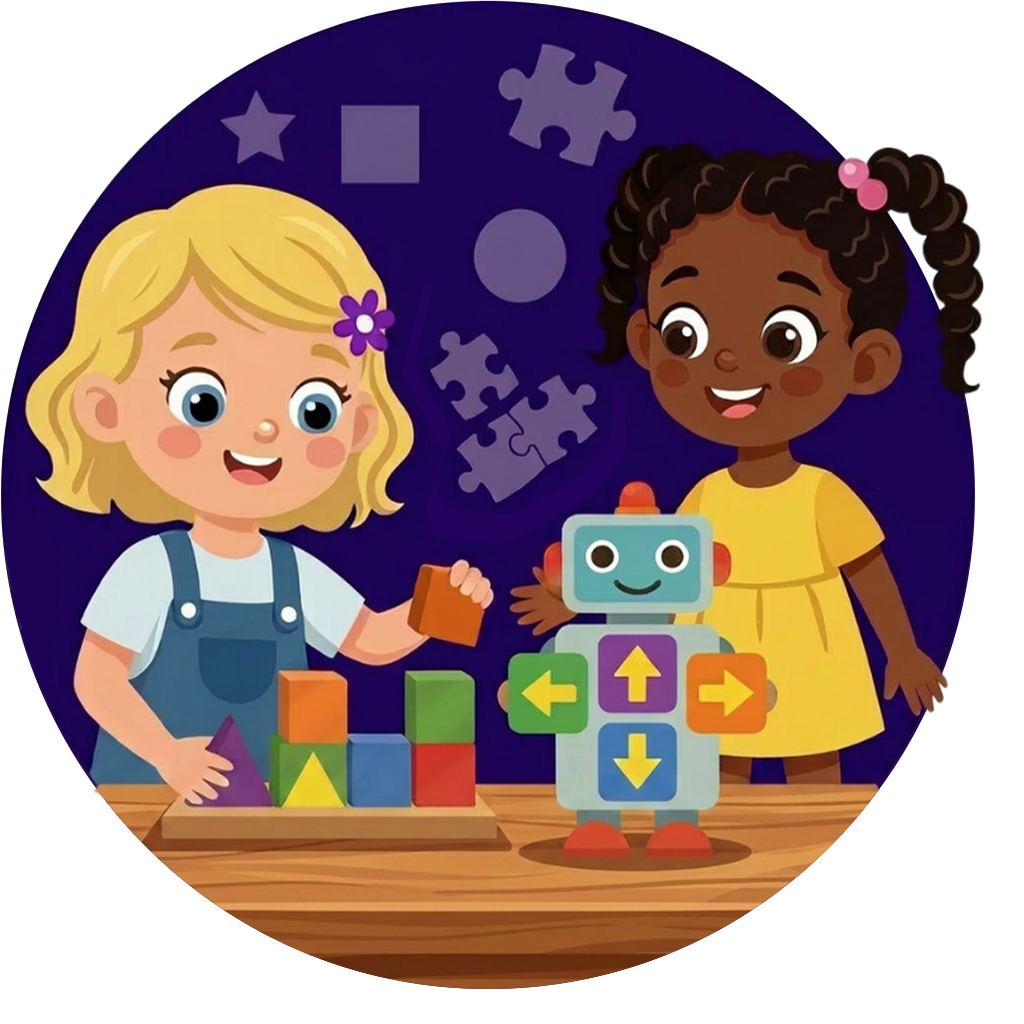
Up to 6 years old: Pre-coding kids
Before kids learn to type or read fluently, they can easily develop the logic of programming. At this early stage, coding is completely visual, tactile, and rooted in cause-and-effect.
What it looks like: Using physical toys, arrows, or colorful icons on a tablet to guide a character through a maze.
Key coding concepts: Sequences (doing things in a specific order) and basic problem-solving.
How to support them: Keep it hands-on. Use screen-free coding robots, wooden logic blocks, or simple, icon-based apps that require zero reading. There are some great screen-free toys that teach coding skills without a computer - look at the Code Go Robot Mouse or a board game like Robot Turtles.
Try this coding book: My First Coding Book is a great starting point for introducing young kids to coding - it uses physical cardboard slides, spinning wheels, and lift-the-flaps to let kids solve puzzles.
[ icon ] Ages 6–9: Block-based coding & creative apps
This is the perfect time to introduce structured creativity. Kids this age understand how video games work and want to make their own, but traditional text coding will slow them down (typing is hard). The solution is block-based coding.
What it looks like: Snapping digital "LEGO blocks" together on a screen. One block says “When Spacebar Pressed,” and the block snapped underneath it says “Jump.”
Key coding concepts: Loops, variables (keeping score), and conditionals ("If the player touches the lava, Then restart the level").
How to support them: Introduce them to desktop apps and guided environments where they can build animations, stories, and interactive games without syntax errors. Sign them up for Scratch coding classes that will meet them where they are.
Try this coding app: Build their logic skills with Lightbot (iOS), a simple game where kids program a small robot to navigate 3D block maps, jump up steps, and light up specific tiles.
Try this coding book: Coding Games in Scratch is a beautifully illustrated workbook that walks kids through coding single-player arcade games in Scratch.
[ icon ] Ages 10–12: Text-based coding
By late elementary and middle school, kids are ready to see how real-world software is built. They are ready to transition from dragging visual blocks to typing actual commands in powerful, professional languages like Python.
What it looks like: Typing lines of code into a text editor. Because a single missing comma can break the program, this stage teaches massive attention to detail.
Key coding concepts: Syntax, data structures, and functions.
How to support them: The leap to text can be intimidating. This is where having a mentor or structured guide makes the biggest difference in keeping them from giving up when their code has a bug. Sign them up for our Python coding classes, where they’ll learn core coding concepts and build their own games.
Try this coding book: Python for Kids is a fun book that teaches core coding concepts in Python using ravenous monsters, secret agents, and thieving ravens.
[ icon ] Ages 12–14: Real-world coding & web development
Teens don't just want to build exercises - they want to build things people actually use. At this stage, they apply their text-based coding skills to create complex, real-world digital projects.
What it looks like: Building custom multiplayer games in Roblox (using Lua), designing responsive websites from scratch (using HTML, CSS, and JavaScript), or scripting software (Python or JavaScript).
Key coding concepts: Game physics, database management, UI/UX design, and web architecture.
How to support them: Treat them like mini-developers. Give them the freedom to build tools, mods, or portfolios that they can proudly share with their friends online. Help them find video tutorials on YouTube that will teach them how to create a Roblox game, or how to publish their own website.
Try this coding book: Javascript Coding for Teens is a great option for teens who want to build functional web applications and browser games.
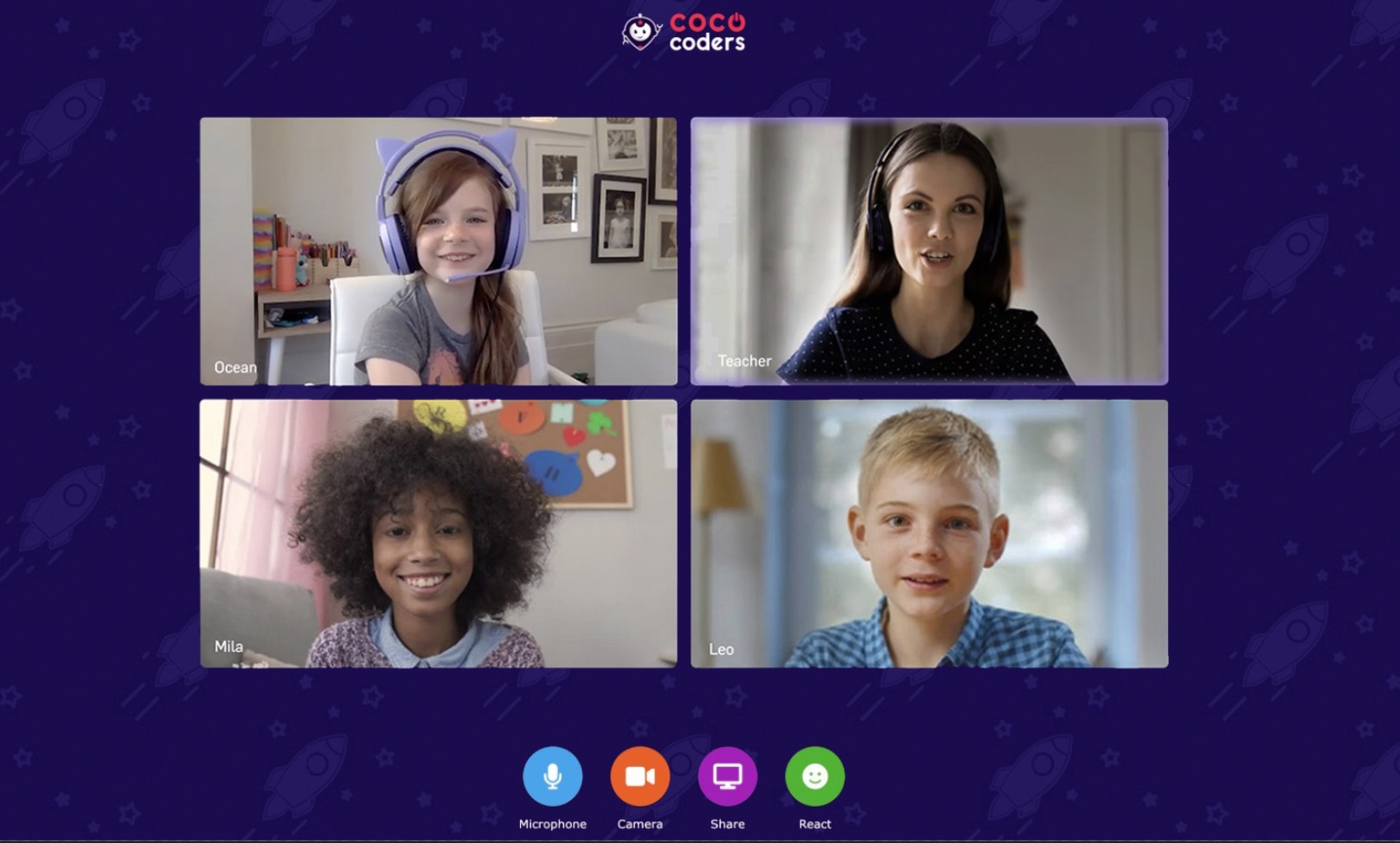
Live, expert-led coding classes for kids
While self-guided apps are great for a weekend spark, kids stick with hobbies when they have community and mentorship. That’s where Coco Coders comes in.
The Coco approach to coding with kids
🧑🏫 Live small-group coding classes: 60-minute weekly sessions in our bespoke Coco Classroom, taught by professional teachers, software developers, and computer science grads.
🌀 Spiral curriculum: Concepts like loops, variables, and coordinates are introduced through fun themes (like space, magic, or detectives) and reinforced continuously.
🎮 A new project every 4 weeks: Your child builds a fully customized game or animation every month to share with you.
🌐 Inclusivity first: Flexible, small environments perfectly suited for neurodiverse students (ADHD, autism, dyslexia).
Frequently asked questions about coding for kids
Do I need to know how to code to help my child get started?
Not even a little bit! Think of this like driving your child to swimming or gymnastics - you don't need to do a perfect backflip to cheer them on from the sidelines.The best way to support your child is simply to be an enthusiastic "client" for their creations. Ask them to show you what they built this week. Let them explain how their game works, or ask them a design question like, "Could you make this character change colors when it jumps?"
How do apps and videos compare to structured coding classes like Coco Coders?
Think of coding apps and videos as the "homework practice" or "fun sandbox," while Coco Coders is the team sport with an expert coach. Games are brilliant for building quick problem-solving patterns on weekends. However, kids almost always hit a structural wall when working entirely alone. They want to make a game like Minecraft or Sonic, but they don't know the mathematical logic required to create gravity, jumping physics, or multiplayer interactions. Our live teachers provide an immediate safety net, stepping in to troubleshoot bugs via screen-sharing so your child stays motivated instead of giving up out of frustration.
What hardware or computer equipment do we need at home?
For the early logic apps, board games, and books we've recommended on this page, an inexpensive tablet or zero screens at all are completely fine. For live coding classes with Coco Coders, your child will simply need a laptop or desktop computer (Windows or Mac) with a working webcam, microphone, and a stable internet connection.
What coding language is best for a child learning to code?
It depends entirely on their age, but Scratch and Python are the two absolute gold standards for beginners.
Younger kids (6-9) will learn best with a block-based platform like Scratch (developed by MIT), which uses visual blocks that snap together like LEGO bricks. It allows kids to master core concepts like loops, variables, and “if/then” logic while building a real, playable video game instantly.
Once a child outgrows blocks, Python is the absolute best first "real" language. It is incredibly powerful (companies like Google, Netflix, and NASA use it daily), but it is written in plain, clear English. Compared to languages like C++ or Java, Python has clean syntax that is much easier for a middle schooler to read, type, and debug.
My child has ADHD / learning differences. Will coding be a good fit for them?
Absolutely. In fact, many neurodiverse children (including those with ADHD, Autism, and Dyslexia) find that computer programming is the place where they genuinely thrive. Coding provides immediate visual feedback. When you change a line of code, the character moves instantly - offering an engaging, structured feedback loop that keeps highly active minds locked in. At Coco Coders, our classes are deliberately kept to small groups, and our teachers are explicitly trained to create inclusive, low-pressure environments where every student can learn at their own pace without feeling left behind.
Won’t this increase the time they spend on screens?
There is a massive difference between passive screen time (mindlessly scrolling short videos or watching TV) and active screen time (building software, creating art, and solving logic puzzles). When your child is coding, they are exercising the same analytical and creative muscles required to learn a musical instrument or a foreign language. They aren't letting technology numb their attention span - they are learning how to bend technology to their will.
Capitalise on your child’s love of tech: Turn players into coders
Every single software engineer, game developer, and digital creator started exactly where your child is sitting right now: with a massive imagination, a love for digital worlds, and a parent who was willing to give them a little bit of encouragement.
You don't need to have all the answers, and you don't need to know how to code. By introducing the books, apps, and games on this page, you are already giving them a massive head start.
But if you want to turn that casual screen-time hobby into a structured, lifelong superpower, let Coco Coders handle the heavy lifting.
Claim your child’s free 60-minute trial coding class
Sign your child up for one of our free coding classes, and let them experience building their very own computer game.
Live, expert mentorship: Your child will match with a live, background-checked computer science mentor in a small group of peers.
Instant creation: They won't just look at slides. They will open up our creation dashboard and write code instantly.
A playable game: Within the hour, your child will build a fully customized, playable video game that they can proudly show off to you.
No obligation. No hidden fees. Just an hour of pure, creative logic and fun.